

Moving from Data to Value
in under 5 minutes
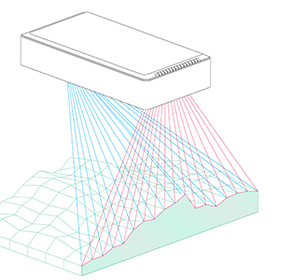
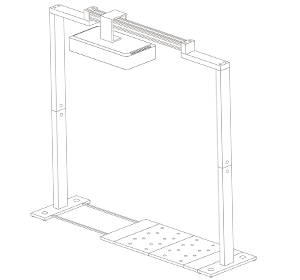
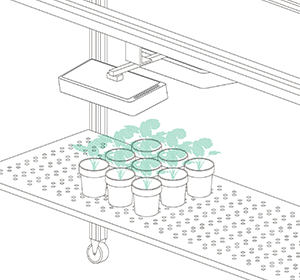
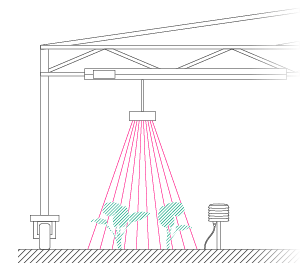
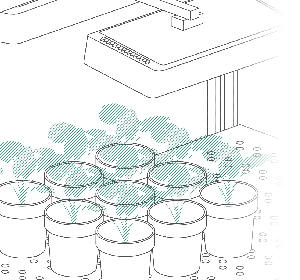
Our PlantEye sensor captures the data, but HortControl next unlocks its value. We’ve transformed our customer insights and feedback into a platform that prioritizes your workflow, your speed, and your scientific breakthroughs.
Discover our new software HortControl next, and let us show you how simple it can be from first experimental setup to actual data insights and analysis.
A New Standard of Ease
Welcome to a workspace designed for scientists. HortControl next is more than a tool; it’s a seamless experience where data flows effortlessly from the greenhouse to your final report.

The Next Generation of Phenotyping
Unlimited Experimental Flexibility
Scientific research is dynamic. Your software should be too. While traditional platforms limit you to basic factors, HortControl next allows for deep, multi-layered experimental designs that mirror the complexity of modern screening trials and experimental designs.
Our new level and factor assignment step enables you to set up your experiments according to your needs.

Define complex factors like salt concentration and control groups with ease.

Re-assign entire batches or individual plants.

Smart Plant Recognition
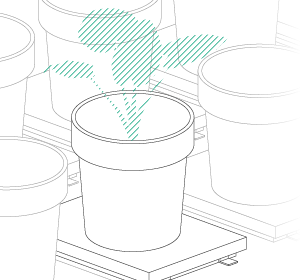
HortControl next automatically recognizes and seperates individual plants within a full table scan. No more re-scanning if a plant was placed incorrectly. Simply drag, drop, and adjust in the digital twin view.
- — Automatic splitting with color-coded IDs
- — Drag & Drop position corrections
- — Real-time quality check
Connect Data to Reality
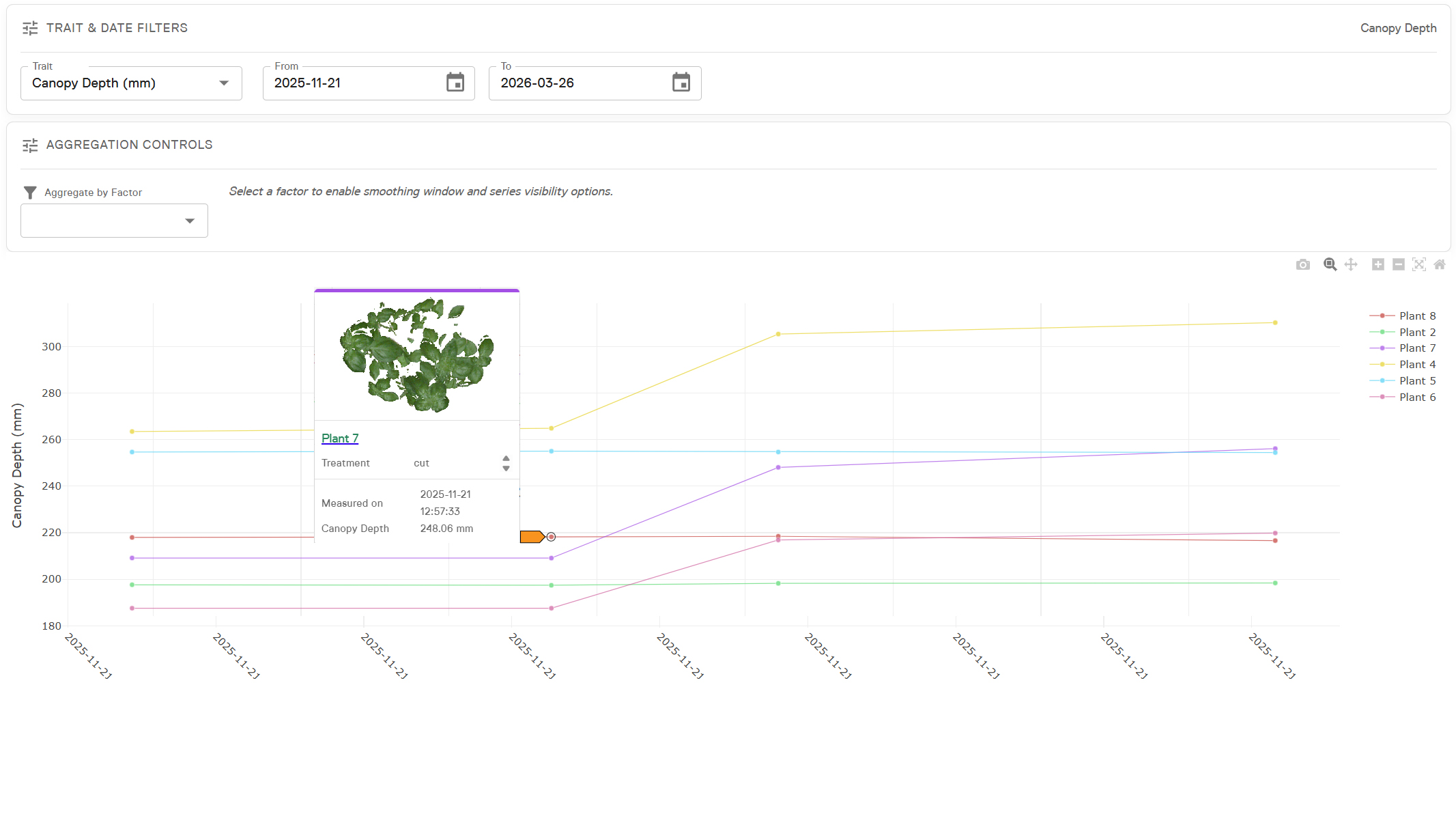
You are working with plants, not just data! Click any data point in your graph to immediately see the 3D scan of that specific plant. Identify outliers, perform quality checks, and understand the “why” behind every number.
Voices from our Partners
Trusted by partners like:


“HortControl next is much faster and easier. I can run my different scans as batches in one experiment and directly look at each scan after it has been made.”
Gilly Thorp
Fera Science Limited
“The adaptive boundary feature is the most comfortable way of splitting plants I have used so far.”
Emmanuel Van Cutsem
Fytofend
“The adaptive boundary segmentation of HortControl next is amazing. I deliberately placed the plants closer together to see how that would perform, and indeed, it performed very well.”
Ming Chia
Australia National University
Presentation-Ready in Seconds
Export your 3D models directly from HortControl next. These files maintain their rotating animation, allowing you to drag them straight into PowerPoint for high-impact scientific presentations.
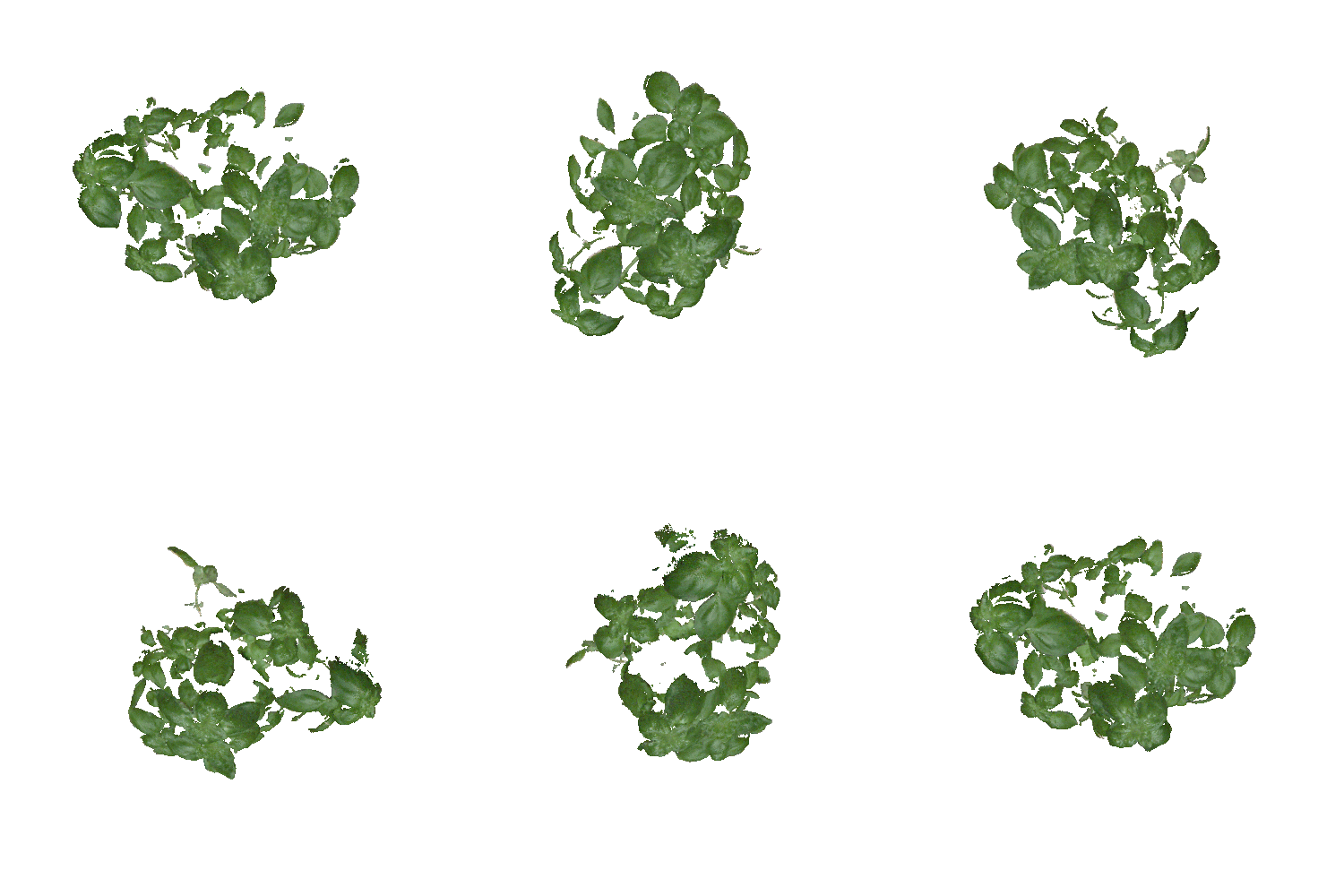
Basil scan – 3D model directly exported from HortControl next
Ready to see it in action?
Contact our team to request a personal demo or upgrade your current system to HortControl next.
Frequently Asked Questions
What if I placed a plant in the wrong position during a scan?
+
With HortControl next, you simply open the experimental setup view and drag the plant to the correct position. The data will update automatically for that specific batch or the entire experiment. It’s your choice!
Are there limits to how many experimental factors I can add?
+
No, HortControl next allows you to add as many levels and factors (e.g., treatment types, concentrations, varieties) as your scientific design requires.
Can I export raw data for use in R or Python?
+
Absolutely. You can download all aggregated parameters as CSV files. Also, the 3D image files are open-source formats.
How does the 3D model export for PowerPoint work?
+
It is a simple drag-and-drop process. The software generates a specific file format that PowerPoint recognizes as a 3D object, maintaining its rotation and visual fidelity for your presentations.
How does HortControl next handle overlapping plants or dense canopies?
+
Our new Adaptive Boundary feature utilizes high-resolution 3D scan information to intelligently distinguish between individual plants — even when they partly overlap. This automation ensures high data precision without manual intervention, allowing you to maintain tight spacing and maximize your greenhouse capacity while still receiving clean, individual plant parameters.
How can I upgrade to HortControl next?
+
If you are an existing client and want to upgrade to HortControl next, reach out to your local sales representative or send us a message to info@phenospex.com.

